
A Practical Guide to OBD2 Diagnostic Tools for Everyday Drivers
Motoryva Garage · Vehicle Diagnostics
A Practical Guide to OBD2 Diagnostic Tools for Everyday Drivers
Modern vehicles can store useful diagnostic information when the vehicle detects certain operating issues. An OBD2 diagnostic tool gives drivers a way to access some of that information through the vehicle's diagnostic connection.
For everyday drivers, the value of a scan tool is not about replacing professional diagnosis. It is about having a clearer starting point when a warning light appears or when you want to understand what the vehicle is reporting.

Understanding the Tool
Know what an OBD2 scanner can help you review.
Features vary between diagnostic tools, but the basic idea is to provide access to vehicle information that can help you begin understanding a detected issue.
Read Diagnostic Information
A compatible scan tool may allow you to view diagnostic trouble information stored by the vehicle. That information can help narrow down which system deserves further attention.
Choose the Right Interface
Some tools use their own screen and controls, while others connect to a compatible phone or another device. Consider which style is easier for the way you expect to use it.
Check Compatibility First
Before buying, review the tool's compatibility information and your vehicle's requirements. Available functions can vary between vehicles and diagnostic products.
Do Not Treat a Code as a Complete Diagnosis
A diagnostic code can point toward a system or condition, but it does not automatically identify every underlying cause. Further inspection may still be necessary.
Before Connecting
Learn where and how the tool is intended to be used.
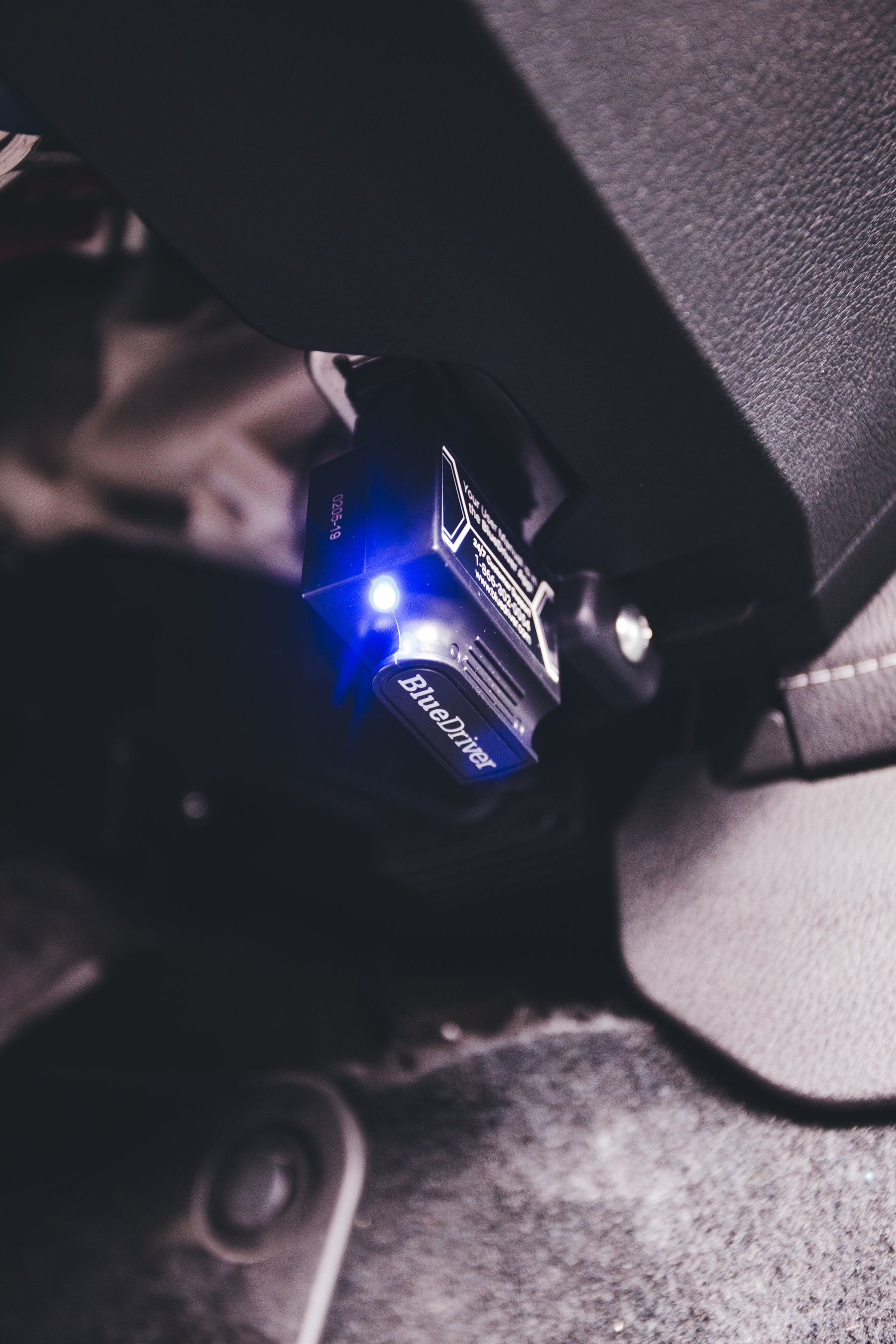
Diagnostic connectors are typically located within the driver area, but exact placement varies by vehicle. Check the vehicle information before reaching under trim or forcing a connector into place.
Follow the instructions supplied with the diagnostic tool, especially when the process requires a particular ignition state or connection sequence.
A clean, careful connection helps protect the port and makes the diagnostic process easier to repeat when needed.
A Practical Workflow
Use a simple four-step process.
Connect Carefully
Locate the appropriate diagnostic connection and attach the tool according to its instructions.
Review the Information
Read the information presented by the tool and note the codes or system references shown.
Add Context
Consider warning lights, unusual behavior, recent maintenance, and other symptoms rather than looking at a code in isolation.
Decide the Next Step
Use the information to decide whether further inspection, maintenance, or professional support is appropriate.
Digital Diagnostics
Choose an interface that fits your routine.
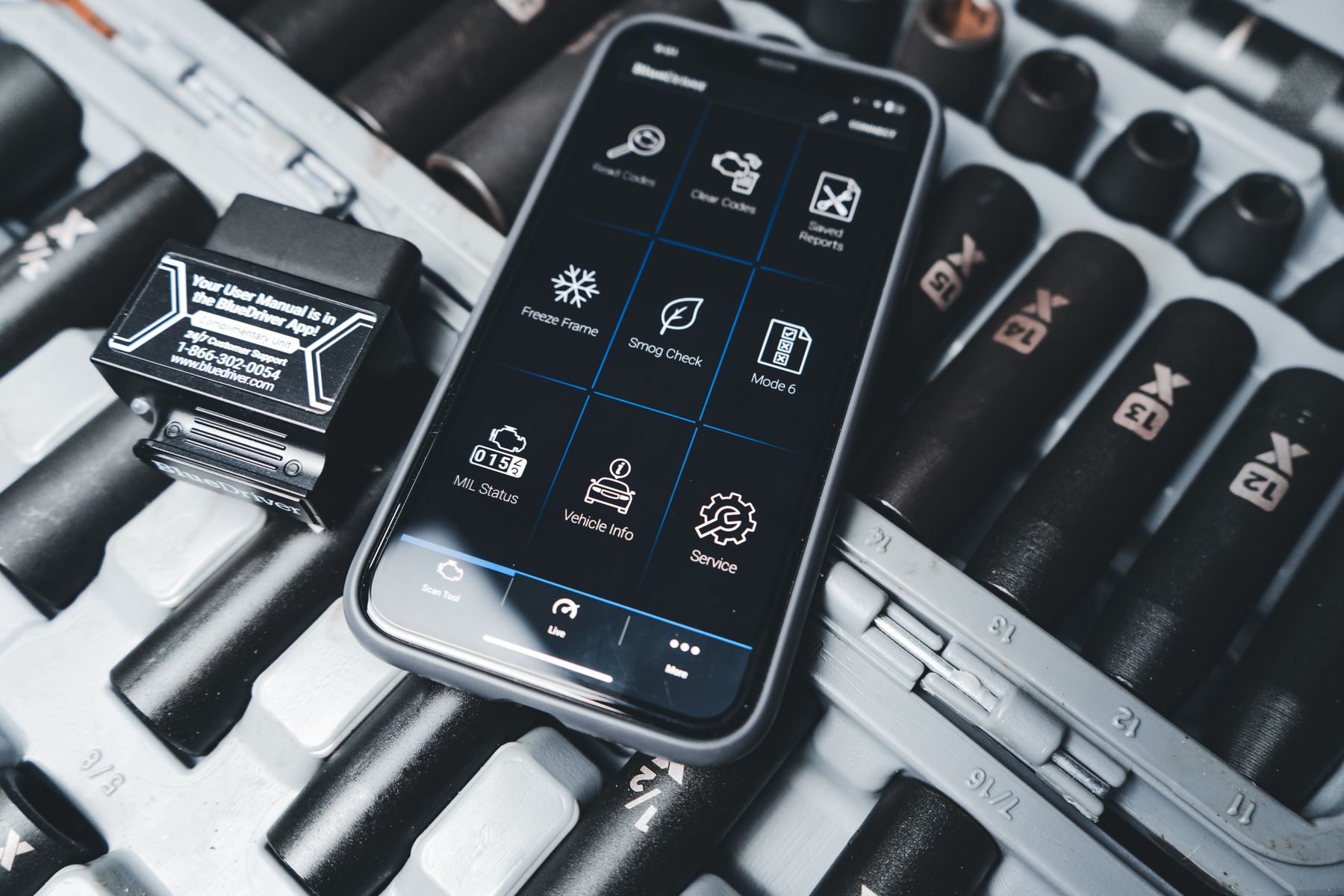
Some drivers prefer a dedicated handheld scan tool because everything is contained in one device. Others may prefer a compatible wireless scanner that presents information through a phone application.
The better choice depends on how often you expect to use the tool, where you want to review information, and whether you prefer a standalone device or a connected workflow.
Whatever interface you choose, prioritize clear information and straightforward operation over features you are unlikely to use.
Everyday Use
Use diagnostic information as context, not a shortcut.
Note What the Vehicle Reports
Saving or writing down diagnostic information can make it easier to compare what appears before and after maintenance or further inspection.
Pay Attention to Other Symptoms
Warning lights, sound, drivability changes, recent repairs, and operating conditions can all provide useful context alongside scanner information.
Diagnostic information does not replace qualified inspection.
If a vehicle shows serious warning signs, unusual behavior, or a condition you do not understand, consider appropriate professional assistance rather than relying only on a code reader.
Final Thoughts
A diagnostic tool can make vehicle information easier to understand.
For everyday drivers, the most useful OBD2 tool is one that suits the vehicle, presents information clearly, and fits the way you plan to use it. Treat scanner data as a starting point, combine it with real vehicle symptoms, and use it to make more informed decisions about the next step.