
Installation Guide
Plan the install before the first connection.
A cleaner automotive electronics setup starts before a device is mounted or powered. Review the product instructions, understand where the device belongs in the cabin, confirm how it connects, and avoid assumptions about vehicle-specific fitment.
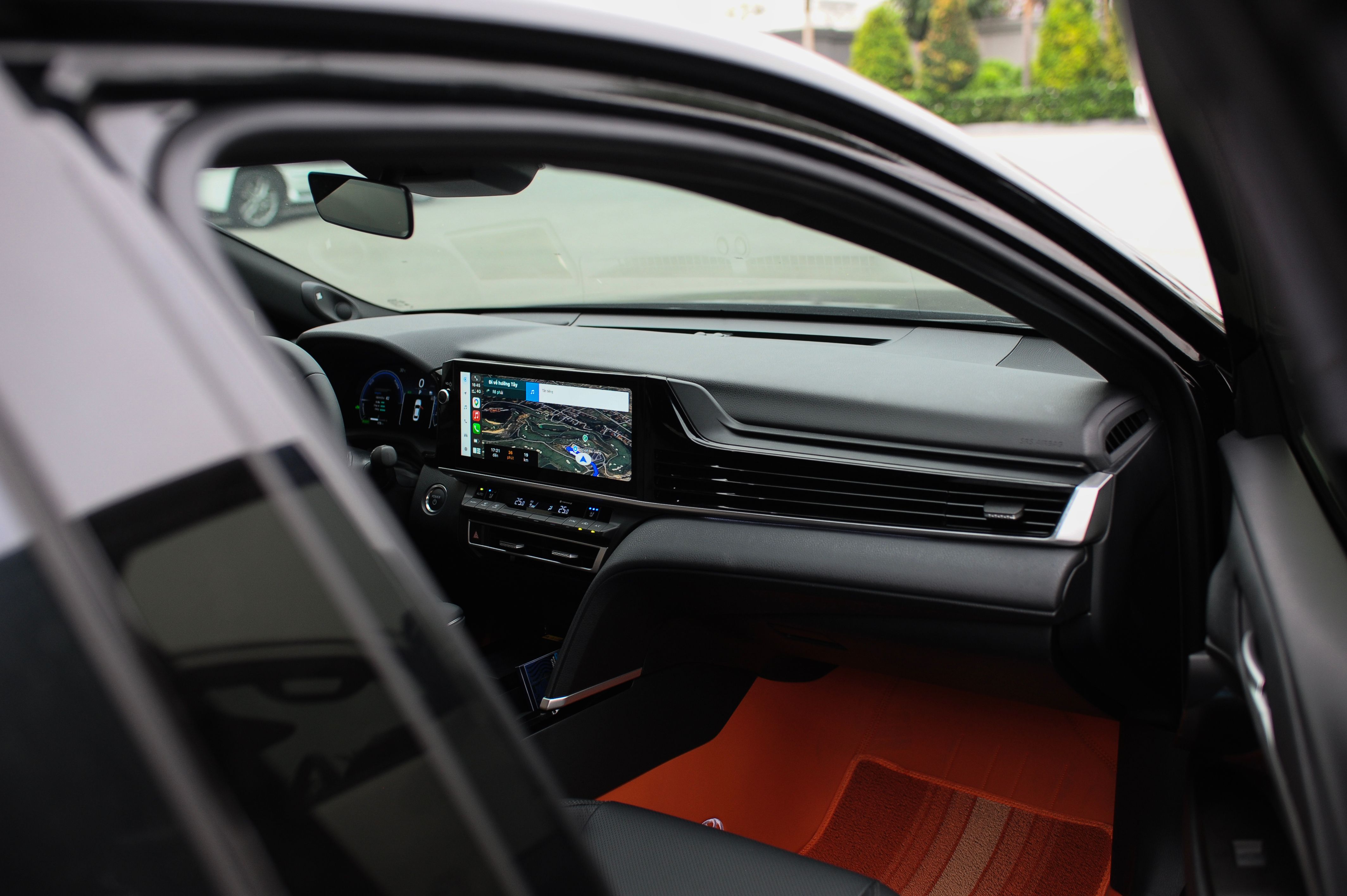
Before installation
Four checks before touching the vehicle.
Installation requirements vary across displays, cameras, chargers, monitoring devices, trackers and diagnostic tools. The individual product instructions should always take priority over general guidance.
Read the product instructions
Review the supplied installation and operating information before mounting, connecting or routing anything inside the vehicle.
Confirm the intended location
Make sure the proposed position makes sense for visibility, access and the role the device is intended to perform.
Review connection requirements
Check the product-specific power, cable or connection method and compare it with the available points in the vehicle.
Identify installation complexity
If a product involves vehicle wiring, trim removal or another unfamiliar process, consider using a qualified installer.
Installation workflow
A practical sequence for in-car electronics.
Inspect the product and included components.
Identify the main device, mounts, cables, adapters and any accessories described by the product documentation before beginning.
Choose the installation position.
Consider visibility, driver reach, cable direction, nearby controls and whether the product could interfere with normal vehicle operation.
Plan power and cable routing.
Review how the product is designed to receive power and where its cables need to travel before securing the device in place.
Install according to the product instructions.
Follow the sequence supplied with the product and avoid substituting assumptions for vehicle-specific or product-specific instructions.
Check the setup before regular use.
Confirm that the device is secure, its controls remain accessible and the installation does not obstruct the driver's normal view or vehicle controls.

Cabin placement
Placement changes how technology feels in use.
A screen, camera, charger or receiver may function correctly but still feel awkward if its position makes controls difficult to reach, blocks another interface or creates unnecessary cable clutter.
Keep normal sightlines clear
Evaluate mounted displays and devices in relation to the driver's normal field of view.
Protect access to vehicle controls
Avoid placements that crowd vents, switches, controls or other frequently used cabin features.
Plan cable direction first
Think about where power and data cables need to travel before fixing the device in place.
Check the final position before securing
Test the intended location visually and ergonomically before committing to the installation.
Installation paths
Different devices call for different levels of installation.
Plug-In Electronics
Chargers, adapters and some portable accessories may use an existing vehicle power or connection point. Review the product instructions and keep cables positioned so they do not interfere with normal driving controls.
Mounted Displays & Cameras
Displays and cameras require thoughtful positioning. Consider the viewing angle, driver sightlines, cable routing and the mounting method described for the specific product.
Monitoring & Tracking Devices
Trackers and monitoring products may depend on where sensors, modules or interfaces are intended to be positioned. Use the product documentation to understand that installation context.
Wired or More Involved Installs
If an installation requires vehicle wiring, trim removal or unfamiliar electrical work, follow the relevant product and vehicle instructions and consider professional installation.
Install with care
Do not turn a simple upgrade into an avoidable vehicle issue.
Automotive electronics sit inside an environment that already contains vehicle wiring, controls, safety systems and moving occupants. Work methodically, use the instructions supplied for the product and stop when the installation goes beyond your experience.
General guidance should never replace the installation information supplied for the actual device.
Do not assume every connector, mounting position or vehicle configuration is interchangeable.
Keep devices and cables away from controls, moving components and other areas where they may interfere.
More involved wiring or vehicle disassembly may be better handled by an experienced installer.

After installation
Finish with a calm, complete check.
Before treating an installation as finished, review the setup as a complete part of the cabin, not just as an electronic device that powers on.
Check the physical installation
Confirm the device is secure, positioned as intended and not interfering with controls or normal cabin use.
Check the electronic function
Follow the product instructions to confirm that the intended power, connection and operating functions are available.
Check the driving environment
Make sure the installation remains practical from the driver's seat and does not create unnecessary distraction or obstruction.

Installation support
Unsure about a product before you install it?
Review the individual product information first. If you still have a product, order or general store question, contact Motoryva for clarification before moving ahead.
General installation guidance for automotive electronics, displays, cameras, navigation, charging devices, monitoring systems, trackers and other in-car technology. Always follow the product-specific instructions supplied with the individual device.
Motoryva