
How to Build a Cleaner Wireless Charging Setup in Your Car

Motoryva Garage · Charging & Power
How to Build a Cleaner Wireless Charging Setup in Your Car
Charging a phone in the car should be simple. In practice, cables can quickly create clutter around the center console, dashboard, cup holders, or gear selector.
A well-planned wireless charging setup can help create a cleaner interior while keeping a compatible phone positioned where it is easy to reach.
Mounting Strategy
Start with the right position.
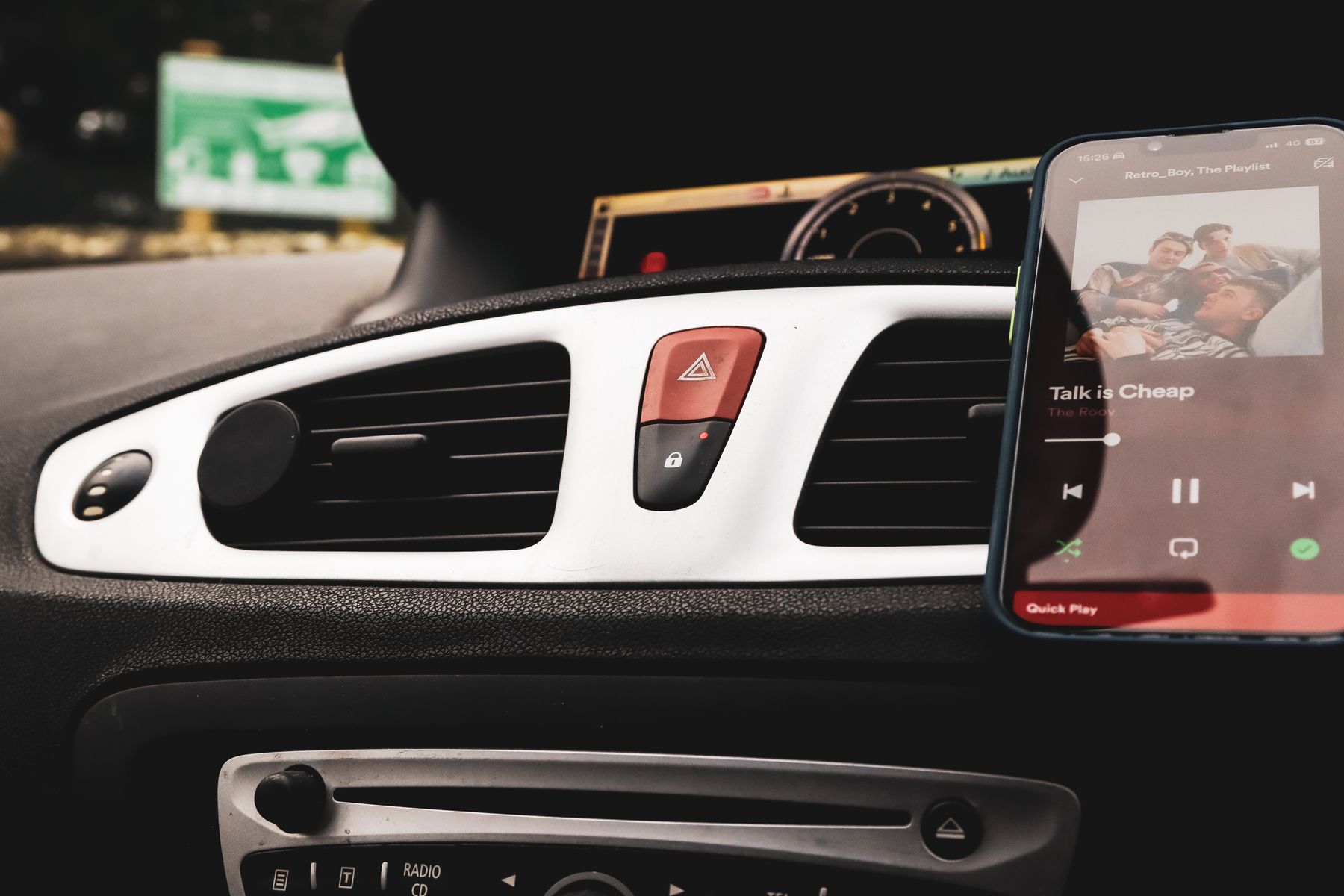
The best mounting point depends on your dashboard layout and how you use your phone while driving. The charger should be easy to reach without blocking the road, instrument cluster, infotainment display, or important controls.
Dashboard Mounting
A dashboard-mounted charger can create a stable viewing position and keep the phone within a natural line of sight when correctly positioned.
Vent Mounting
Vent-mounted systems can keep the dashboard surface clear, but the mount should not prevent normal airflow or make the vent difficult to adjust.
Windshield Positioning
Windshield mounts can provide flexible placement, but they should never obstruct the driver's primary view or interfere with safe vehicle operation.
Visibility & Compatibility
Keep the phone in a natural viewing area.
If your phone is used for navigation, its position matters. The screen should be easy to glance at without requiring excessive head movement.
Wireless charging also depends on correct alignment between the phone and the charging system. Some cases, metal accessories, or rear-mounted attachments can affect charging or mounting.

Cable Management
Plan the power route before mounting.
Wireless charging removes the cable from the phone itself, but the charging mount still needs a power connection. A clean installation depends heavily on how that cable is routed.
Whenever practical, keep the cable close to existing dashboard edges or trim rather than allowing it to hang across controls or storage areas.
Daily Use
Keep the setup simple.
A cleaner charging setup comes from minimizing unnecessary hardware while keeping the phone secure, visible, and easy to remove when you leave the vehicle.
Avoid Blocking Airflow
Large phones and vent-mounted chargers can reduce airflow or make vent adjustment difficult. Check how the mount affects the cabin before settling on its final position.
Reduce Unnecessary Hardware
Avoid adding extra adapters, extensions, or mounts when a more direct setup will work. Fewer components can create a cleaner and easier-to-manage installation.
Think About Everyday Use
The phone should be easy to place and remove without repeated adjustment, and the mount should stay clear of the controls you use most often.
Final Thoughts
A clean charging setup is built around thoughtful placement.
Focus on secure mounting, phone compatibility, visibility, a suitable power source, and simple cable management. When each part is planned carefully, wireless charging can feel like a natural part of the vehicle rather than another accessory added to the dashboard.